

How to Link Your MyGov Account to ATO Services
Linking your myGov account to the Australian Taxation Office (ATO) is a crucial step you need to take to manage your taxes faster, easier, and more accurately—especially if you’re planning to claim your Tax Return or superannuation later.
Here’s the simple step-by-step to get it done. No fluff—just what you need.
What You’ll Need 🛠️
Before you get started, make sure you’ve got these ready:
✅ myGov Account – If you don’t have one yet, create your myGov account here.
✅ TFN (Tax File Number) – You’ll find this on your Tax Notice of Assessment or on documents from your employer.
✅ Your first Australian address – The one you used when registering for your TFN (for identity verification).
✅ Phone – You’ll get an SMS during the process, so make sure you’ve got a phone handy.
Step-by-Step: Link Your myGov to the ATO
1️⃣ Get Ready
Grab all the info listed above and find a quiet spot—you’ll need to make a call to the ATO to request a special code.
2️⃣ Call the ATO to Request Your Link Code
Here’s who to call, depending on where you are:
- 📞 From Australia (English): 13 28 61
- 📞 Interpreter line (Recommended for support in another language): 13 14 50
- 🌏 From overseas (Non-English): +61 3 9268 8332
- 🌏 From overseas (myGov issues): +61 2 6216 1111
Basically you can tell the operator something along the lines of: “I’d like to link my myGov account to ATO services and need a Link Code.”
They’ll ask you a few questions to confirm your identity (like your TFN, date of birth, and first registered address in Australia).
Once verified, they’ll send you a one-time Link Code via SMS—it’s valid for 24 hours.
3️⃣ Link It Up
Now that you’ve got the code, here’s what to do:
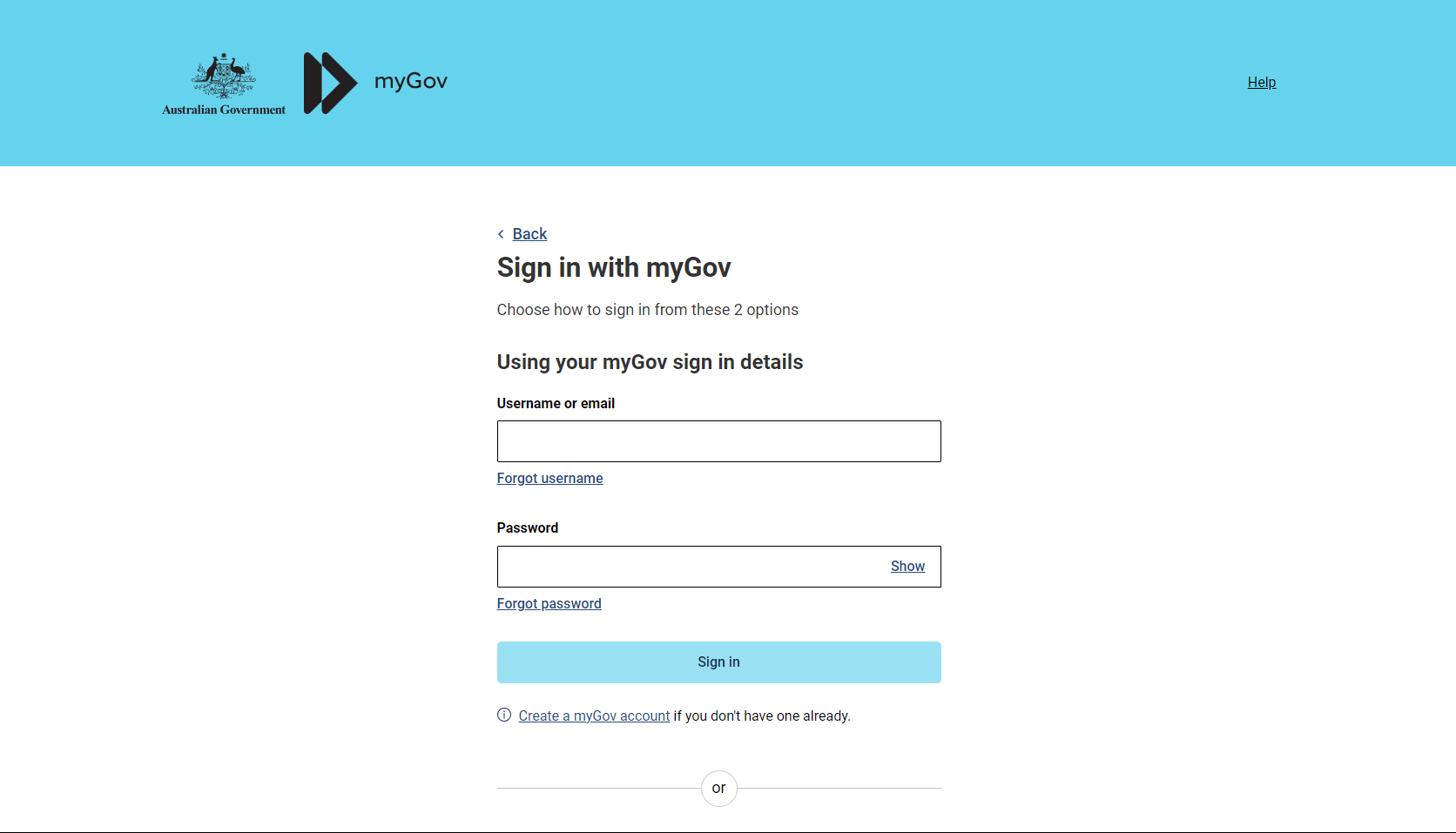
- Log into your myGov account.
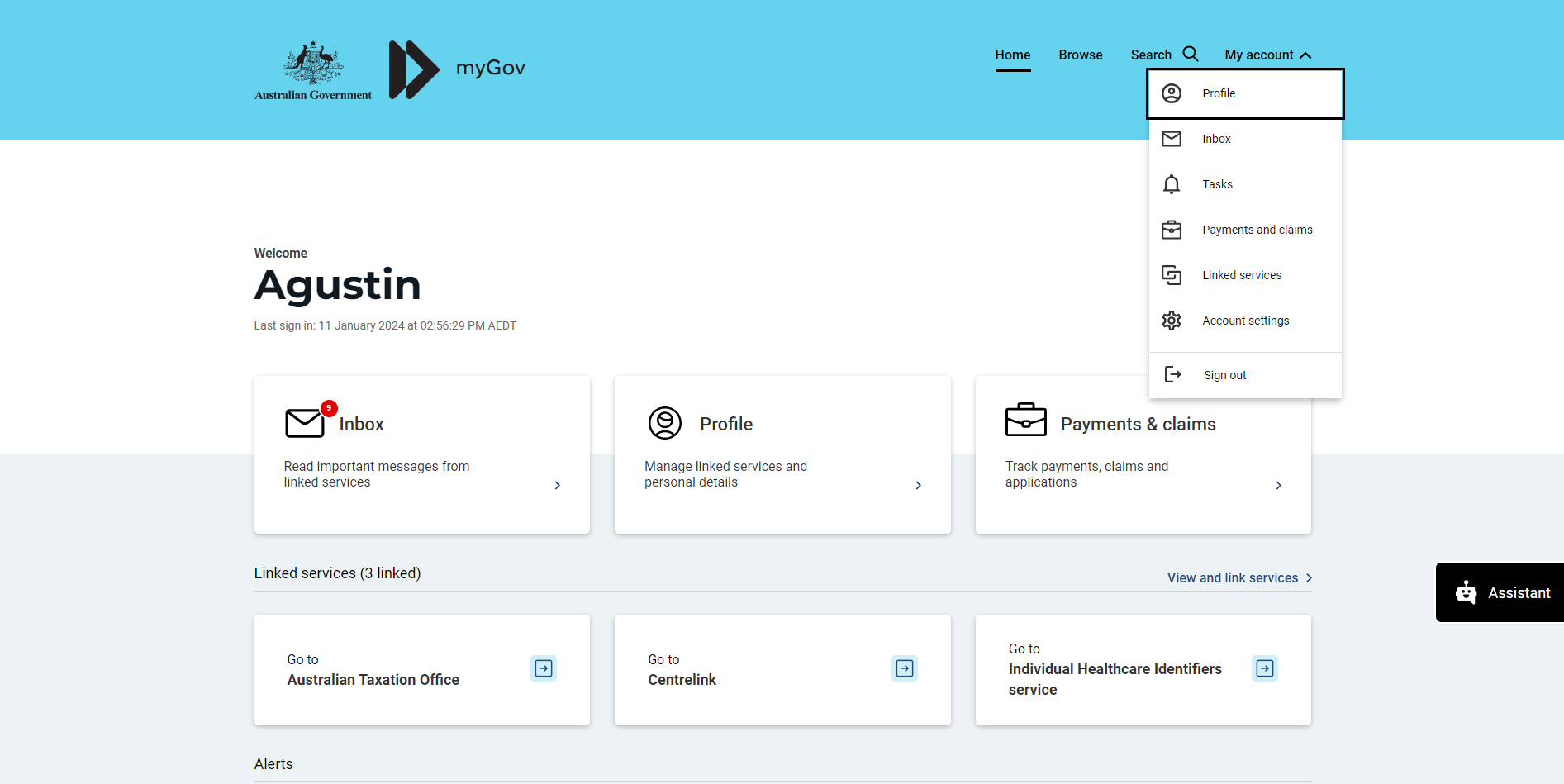
Click on “My Account” (top right corner) and select “Linked Services.”
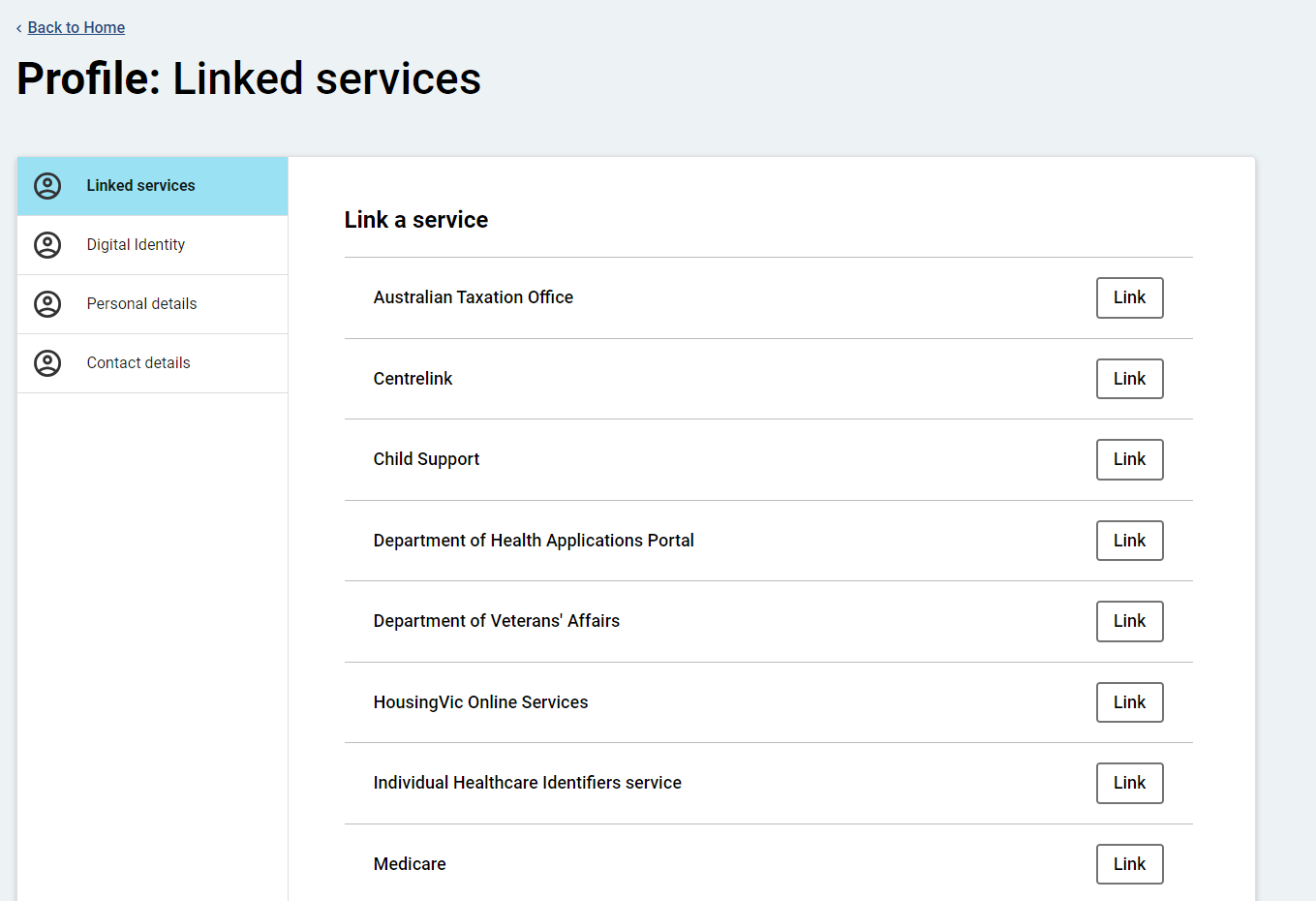
Find ATO and select “Link.”
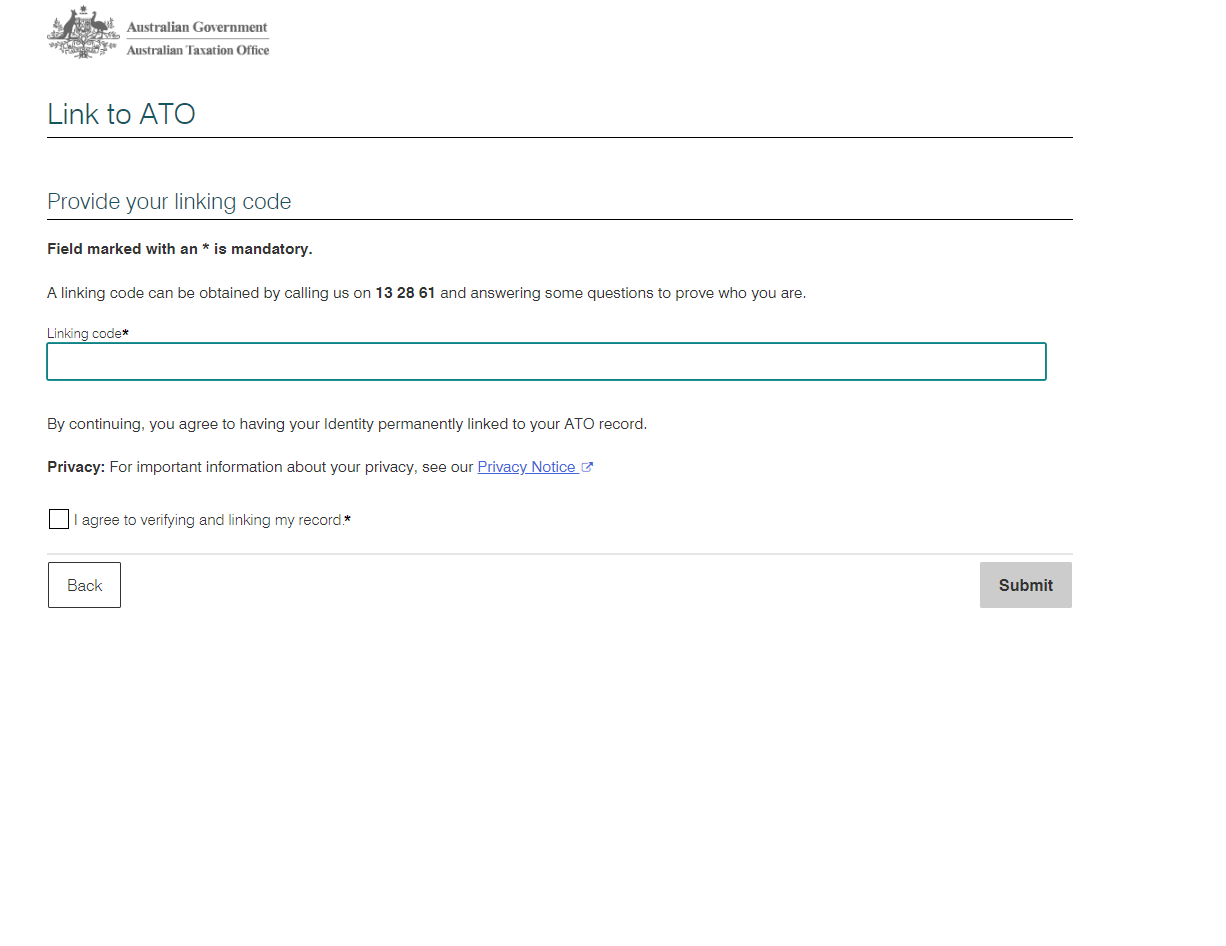
Follow the prompts on-screen to complete the process. You’ll be asked to confirm your identity, verify you own the account, and agree to share your info with the ATO so everything gets linked up properly.
💡 Pro Tax Tip: When entering your personal information such as your name and address, ensure it matches exactly with what the ATO has on file.
Once arrive in this section, enter the code provided by the ATO officer:
Once completed, you’ll receive a confirmation email letting you know the link was successful. And that’s it, you’ve officially connected your myGov account to ATO services.
Having Trouble Logging in from Overseas? 🌍
A common issue for travelers is being locked out of their myGov because the SMS code goes to an old Australian number.
💡 Pro Tax Tip: Don’t lose access to the ATO when you leave Australia! Switch to a non-SMS login method before you fly:
Authenticator App: For offline codes (e.g. Google Authenticator). 👉 Setup guide
myID: The official and most secure digital identity. 👉 Setup guide
Note: Set this up while you still have your AU mobile number!
Already overseas and locked out? Don’t worry! Follow these steps to regain access:
Try to recover your account: We recommend using the Rakuten Viber app with their “Unlimited Australia” plan (approx. $3.99). Call the myGov help desk at +61 2 6216 1111 and ask the agent to update your sign-in method to your current international number or an Authenticator App.
The “Fresh Start” option: If recovery isn’t possible, you can create a brand new myGov account. Once created, call the ATO via Viber to have them link your new account to your tax records.
⚠️ It’s important to have your personal details ready during the call, and in some cases, both the old and new accounts will need to be verified and linked.
Still locked out? Contact us at ProTax. We help clients around the world regain access to their myGov and ATO accounts so they can manage their tax returns and super claims.